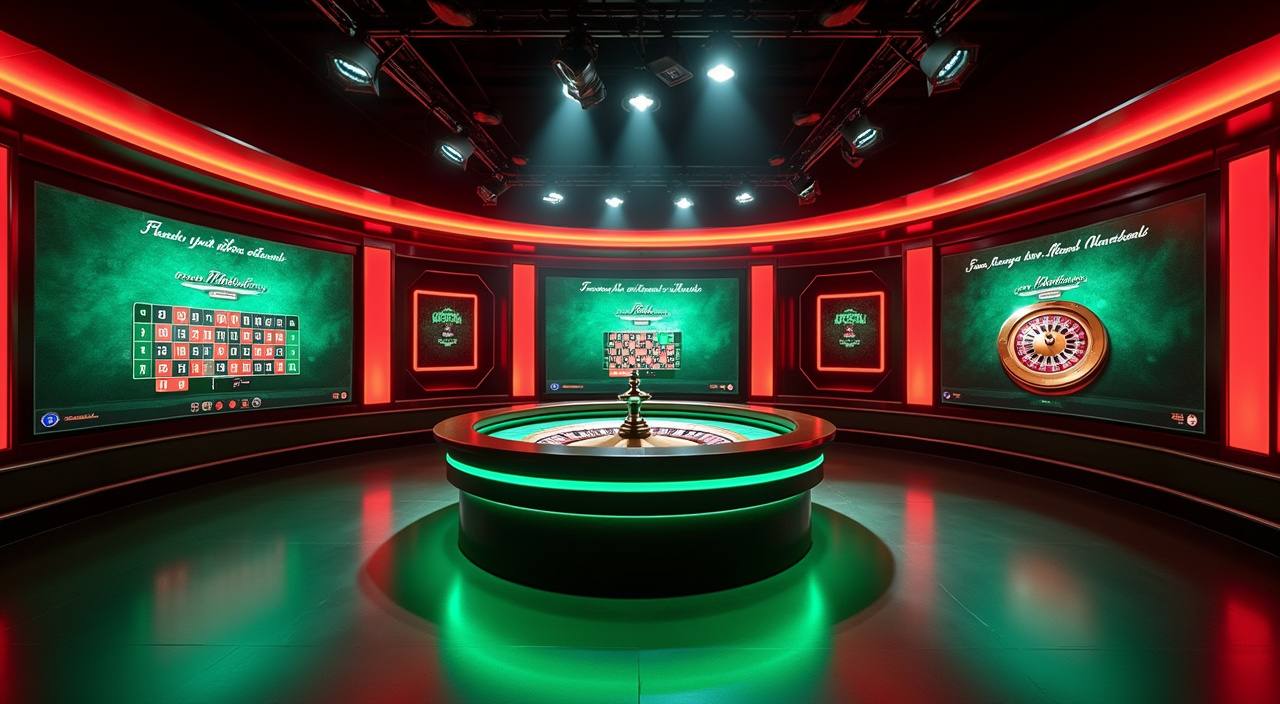
The bd002 lobby loads directly in your mobile browser — no store listing required to check availability. Open the current domain, sign in to your account, and the full game catalogue including live tables, slots and cricket betting is right there on your screen. Availability depends on your local law and eligible region.
If the lobby does not load as expected on your device, our support team can walk you through the correct domain, browser settings and account recovery steps. Reach us through the channels below — have your registered mobile number ready so we can locate your account quickly and get you back in.
Live Chat Support
Open the chat icon from the lobby footer on any page. Our team handles browser access questions, account login issues and wallet queries. Check the chat window for current availability hours shown there.
Email Support
Send your query to the support address listed on the Contact page of the site. Include your registered number and a brief description of the access issue. Response times are shown in your account dashboard after login.
Access Guide
The Help section of your account contains step-by-step browser access guidance, compatible device notes and the current verified domain. Log in and navigate to Help to find the published device guidance for your handset.
ACCESS TRUST CHECKS
Stay Safe When You Access bd002
Mobile access on any platform carries risks if you land on the wrong domain or share credentials carelessly. Before you sign in, run through these four checks to make sure you are on the real bd002 site and that your account stays protected. These steps take under a minute and are worth doing every time you switch devices.
Verify the Domain
Always open bd002 from the current verified domain published in our official channels. Check the address bar before entering your password. If the URL looks different from what you bookmarked, do not proceed — contact support first.
Review Device Guidance
The Help section inside your account lists the browsers and screen sizes we have confirmed work with the lobby layout. Check that page before switching to a new handset so you know what to expect from the interface.
Protect Your Credentials
Never save your bd002 password in a shared browser profile or a third-party app. Use the account's own password-reset path if you need to change it. Our team will never ask for your password over chat or email.
Use the Published Recovery Path
If you lose access to your account, follow the recovery steps shown on the login page — not a third-party link. The recovery flow asks for your registered mobile number and the verification step shown on screen.
LOBBY ON MOBILE
What the bd002 Mobile Experience Covers
When you open bd002 in a modern mobile browser, the layout shifts to a single-column view built for smaller screens. The navigation bar at the top gives you direct routes to the live casino section, the slots lobby and the sportsbook — including cricket markets for BPL and international fixtures. Your account wallet, deposit history and withdrawal records are all reachable from the account icon without leaving the page. Game discovery works through the same category filters available on desktop: you can browse by studio, sort by game type or search by title. Spadegaming, JDB, Bigtime Gaming and PlayStar titles all render in the browser without a separate download. The Help and FAQ pages are also accessible from mobile, so if you hit a layout issue mid-session you can check the published guidance straight away.
BROWSER FEATURE SET
Mobile Page Features Worth Knowing
The mobile browser version of bd002 is not a stripped-down view — it carries the same account routes and game catalogue as the desktop layout. Below are the four rendered-page behaviours you will notice most when you switch from desktop to mobile.
Responsive Navigation
The top bar collapses into a compact menu on smaller screens. Tap it to reach the live casino, slots, sportsbook and your account in two taps or fewer. The layout reflows automatically — no pinching or horizontal scrolling needed on a standard handset.
Account Wallet Access
Your wallet balance, transaction history and the deposit and withdrawal pages are all reachable from the account icon in the mobile header. The bKash, Nagad and Rocket payment routes appear in the same chip row as on desktop.
Game Discovery Rail
The horizontal game rail on the lobby home page scrolls by swipe on mobile. Category tabs — slots, live tables, crash games — sit above the rail so you can filter without scrolling back to the top. Studio filters for Spadegaming, JDB and others are in the same row.
Help Pages On-Screen
The Help section, FAQ and Contact page all load within the mobile browser session. If you need the current domain address, browser compatibility notes or the support chat link, they are one tap from the footer menu without leaving your session.
THREE ACCESS STEPS
Mobile Access in 3 Steps
Getting into the bd002 lobby from a mobile device takes three straightforward steps. No file download is needed — the lobby runs in your browser. Make sure you are on a current version of Chrome, Firefox or Safari before you start, as older browser builds may not render the live table layouts correctly. If you are switching from a device you used before, the login page will recognise your registered number and show the verification step from there.
Open the Current Site
Type the verified bd002 domain into your mobile browser address bar, or open a bookmark you saved from a previous session. Do not use a link sent by an unknown contact — always confirm the domain matches the address published in our official channels.
Check Browser Compatibility
The lobby is built for modern mobile browsers. If the page layout looks broken or a game does not load, check the device guidance in the Help section of your account — it lists the browser versions confirmed to work with the current site build.
Sign In Securely
Enter your registered mobile number and password on the login page. Complete the verification step shown on screen. Once authenticated, your account wallet, game history and all lobby sections are available for the rest of your session.
Verify Access in Your Region
Access to bd002 depends on your local law and eligible region. If the site does not load or shows a region notice, check the eligibility information on the Terms page or contact support through the published chat channel.
DEVICE COMPATIBILITY
Browser and Device Access Checklist
Before you settle in for a session on mobile, run through this checklist. It covers the four things most likely to affect whether the lobby loads and plays correctly on your handset. If you clear all four and still have an issue, the support chat is the fastest next step.
Browser Version
Use a current release of Chrome, Firefox or Safari. The lobby uses modern layout features that older browser versions do not support. Update your browser from the device's app store if you have not done so recently.
Screen Layout
The responsive layout is designed for screens from small handsets up to tablets. On very small screens some game thumbnails may stack differently, but all navigation and account routes remain accessible. Rotate to landscape for live table games if the portrait view feels cramped.
Account Requirements
A registered and verified bd002 account is required to access the full lobby. If your account is new, complete the verification step shown after first login before trying to reach game pages or wallet functions.
Currently Supported Devices
The Help section inside your account lists device types confirmed to work with the current site build. Check that page for the most up-to-date compatibility notes rather than relying on general browser support tables.
Regional Eligibility
Access depends on your local law and eligible region. If a region notice appears when you open the site, review the eligibility information on the Terms page or contact support for clarification before attempting to log in.
APP QUESTIONS ANSWERED
Common Questions About the bd002 App
These are the questions we hear most from people trying to access bd002 on mobile for the first time or after switching devices. If your question is not here, the support chat in the lobby footer is the quickest way to get a direct answer.
Is there a bd002 app I can download from the Play Store or App Store?
Whether a native app build is currently available for download is shown on the official bd002 site. Check the current domain for any published app listing. In the meantime, the full lobby — including live tables, slots and cricket betting — is accessible directly from your mobile browser without a separate download.
Which browsers work with the bd002 mobile lobby?
Current releases of Chrome, Firefox and Safari are confirmed to render the lobby layout correctly. If you are on an older browser version and the page looks broken, update from your device's app store. The Help section inside your account lists the specific browser versions we have tested against the current site build.
Can I deposit using bKash or Nagad from the mobile browser?
Yes — the bKash, Nagad and Rocket payment routes are available from the wallet section of your account on mobile, the same as on desktop. Open the account icon in the mobile header, go to Deposit, and the payment options are shown in the chip row. Follow the fields and limits displayed on that page.
Why does the bd002 lobby not load on my phone?
The most common causes are an outdated browser, a domain mismatch, or a regional access restriction. First confirm you are on the verified bd002 domain. Then check your browser version and update if needed. If a region notice appears, review the eligibility information on the Terms page or contact support via the published chat channel.
How do I recover my bd002 account if I cannot log in on mobile?
Use the recovery link on the login page — it asks for your registered mobile number and walks you through the verification step shown on screen. Do not use a recovery link sent by an unknown contact. If the on-screen recovery flow does not resolve the issue, contact support through the chat or email channel listed on the Contact page.
Does the mobile version of bd002 include all the same games as desktop?
The mobile browser lobby carries the same game catalogue as desktop, including titles from Spadegaming, JDB, Bigtime Gaming and PlayStar. Live casino tables, slots and the sportsbook are all reachable from the mobile navigation bar. A small number of game formats may display differently on very small screens, but the full catalogue remains accessible.
 Casino / Mobile